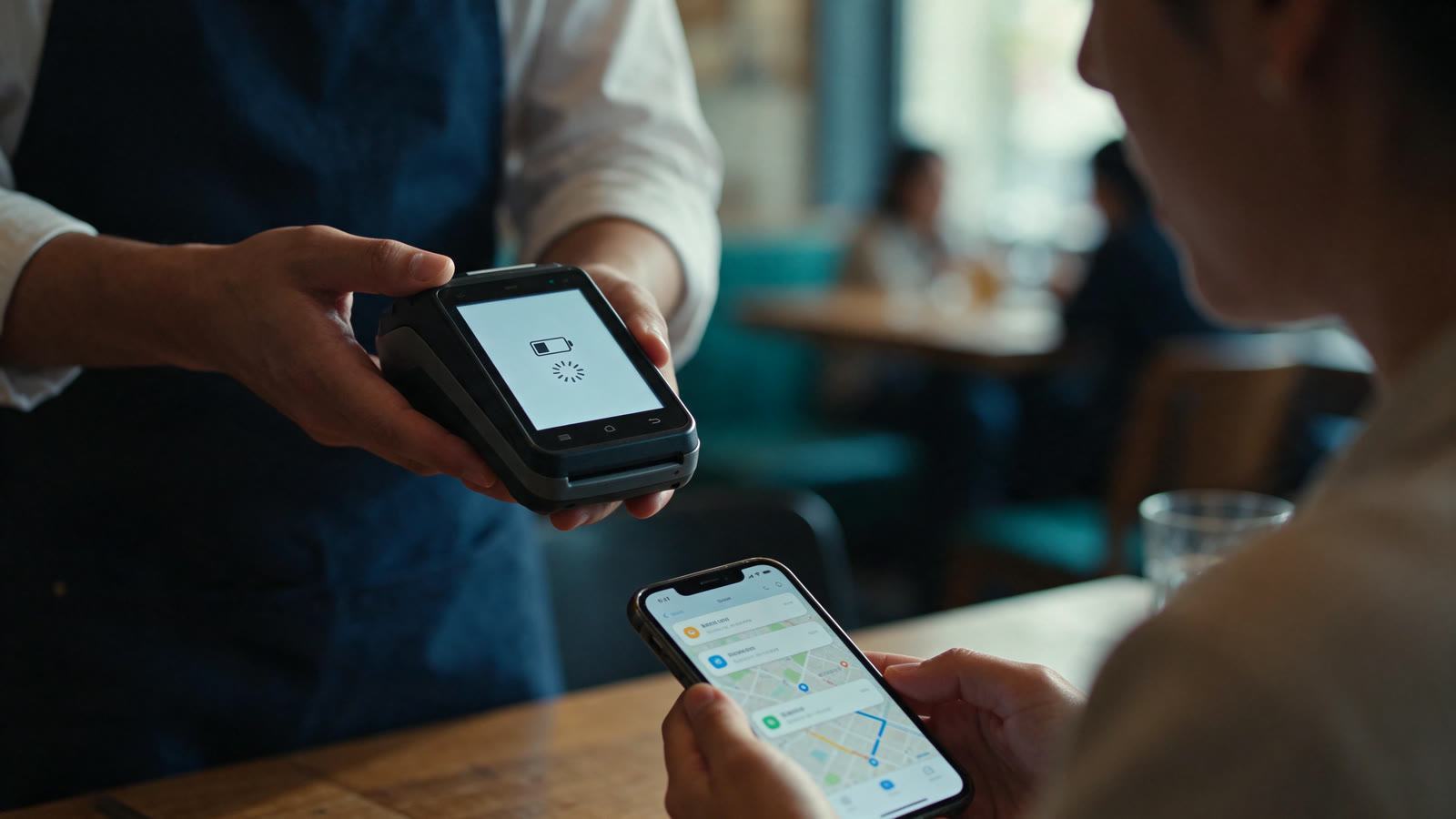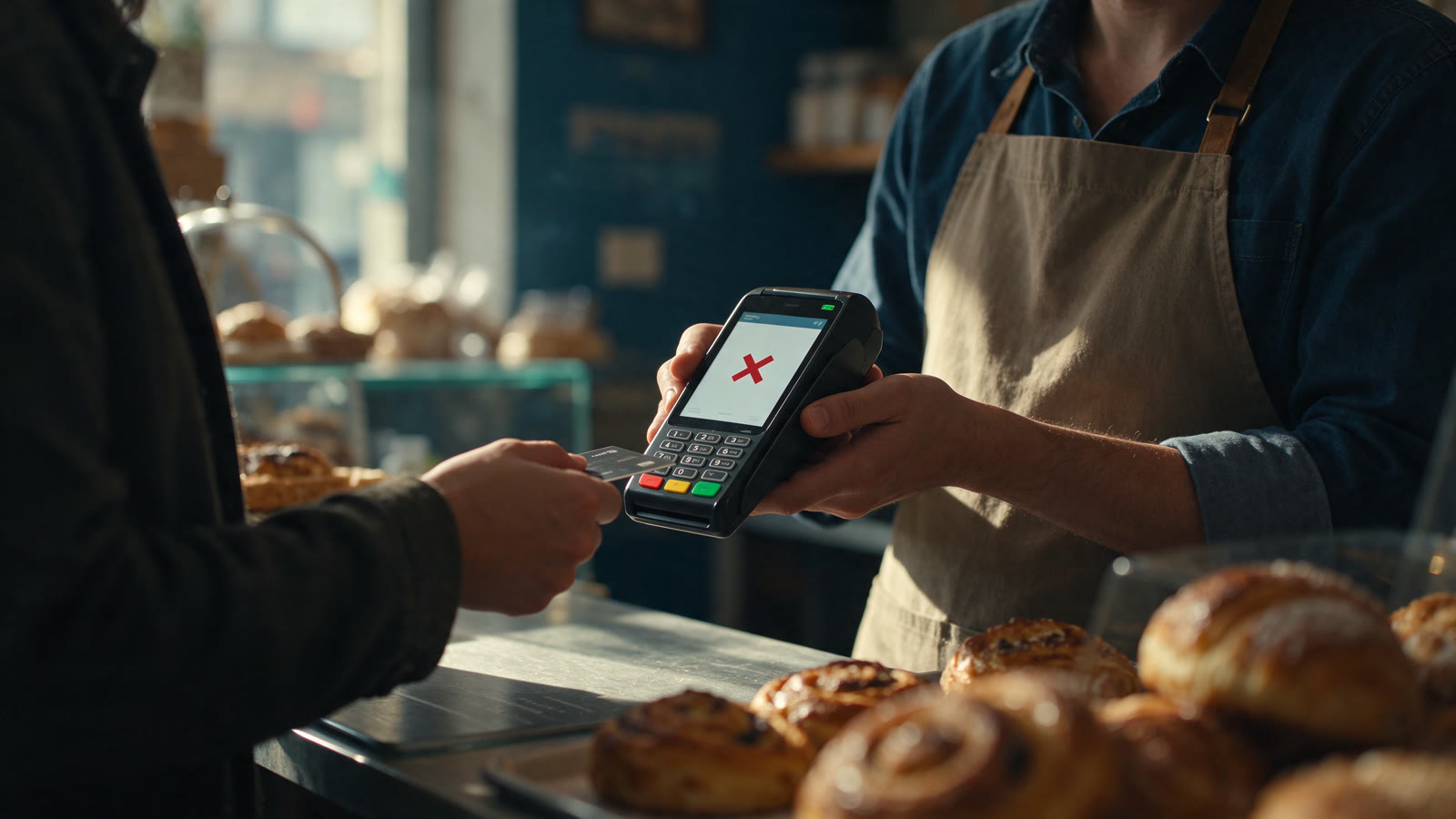
Involuntary churn is a subscriber lost to a failed payment, not to a decision. A card updater limits it by refreshing stored cards that have expired or been reissued. If its batch requests start failing and the job reports completed with zero changes, stored cards age, renewals decline and customers are cancelled for non-payment. Each layer looks normal: the job ran, the declines carry familiar reason codes, and the churn lands in a category every subscription business already expects.
- 0 changes has two meanings: nothing needed updating, or nothing was asked. The job log does not say which.
- The decline codes are ordinary. What changes is how many fall on cards that had been renewing without trouble.
- Subscribers still in retry can be kept, if the updater is repaired before their retries run out.
Churn nobody chose
Some subscribers leave because they decide to. Others leave because a renewal failed: the card on file expired, or was replaced after being lost, and the charge was declined. The retries fail for the same reason, the reminder emails go unread, and the subscription is cancelled for non-payment. The customer did not choose to go, and may not notice until the service stops.
That is the wider problem, and any business that bills stored cards carries some of it. A card updater exists to shrink it. On a schedule, a batch job sends the stored card tokens to the processor's updater service and receives back new expiry dates and replacement card details, so the next renewal is charged to a card that still works. This guide is about one way it gets worse without anyone seeing why: the updater stops working and says nothing.
How an updater goes quiet
Suppose a credential used by the batch is rotated, or a processor migration leaves one merchant account not enrolled in the service. The batch request is now refused. The refusal arrives where the job does not look: in a result file, an asynchronous status, or a response the wrapper reads as an empty list. The job finds no updates to apply and writes the line it has always written: “completed, 0 changes”.
Nothing breaks that day. Cards go stale one expiry date at a time, and the first extra declines appear a billing cycle later.
“No updates were returned” and “no request was accepted” produce the same log line. Across a large book of stored cards, some will have been reissued since the last run, so an unbroken series of zeros is information. It is the absence of an expected signal, which is the hardest kind for monitoring to notice.
Why nothing looks wrong
- The scheduler shows the job completing on time, every run.
- The processor's API metrics show the submission call answered. The refusal is in the result, not the response.
- Authorisation dashboards blend first payments with renewals, so a rise confined to renewals on older cards barely moves the overall rate.
- Decline reason codes are the familiar ones: expired card, account closed, card not recognised.
- Dunning still recovers some customers, so it appears to be working.
- The churn report files the rest under payment failure, a category with a budget line and no owner.
The records to read together
- Updater job logs: the date of the last run that changed anything, and the zeros since.
- The processor's batch results for the same runs, showing requests refused.
- Renewal declines with expired-card and replaced-card codes, on cards whose earlier renewals succeeded, rising about one billing cycle after that date.
- The age of stored cards: the share with an expiry date in the past, climbing.
- Cancellations for non-payment, and support contacts from customers asking why their subscription ended.
The first two prove the cause. The third dates the effect. The last two are the cost.
Sizing it
The unit of loss is involuntary churn revenue. For your own subscriber base:
- Find the last updater run with a non-zero result. That is the start date.
- Count renewals since then that declined with card-expired or card-replaced codes, on cards that had previously renewed successfully.
- Subtract your own rate for those codes in the months before the start date. The remainder is the excess a working updater would have prevented.
- Split the excess three ways: recovered by dunning, still in retry, and cancelled.
- Value the cancelled group at the subscription price over the remaining lifetime you would normally expect.
The middle group matters most this week. Those subscribers have not been cancelled yet, and a repaired updater run before their retries are exhausted keeps them.
Why it comes back
Credentials rotate, enrolments are held per merchant account, and processors migrate. Each is a routine change made by someone with no reason to think about a nightly batch. If the previous stall was fixed by restoring access, the job still treats an empty result as a successful one, and the next routine change will produce the same zeros.
What fixes it
- Billing engineering: fail the job when a batch is refused, record requests sent alongside updates received, and alert on consecutive runs with no changes.
- Payments operations: confirm enrolment for every merchant account, and add the updater to the checklists for credential rotation and processor migration.
- Lifecycle and retention: once the batch works, run it for accounts in dunning first, then contact the customers cancelled since the start date with a way back.
- Finance: restate the churn figures for the period, so the excess is not read as a change in customer behaviour.
Where Traxivo fits
Traxivo reads the job logs, batch results, decline records, cancellations and support tickets your systems already produce, through read-only connections. It links them into one issue with a history, recognises when the updater has stalled before, names the owners, and drafts the win-back list for a named person to approve. It does not update cards or retry charges. The silent updater is one of the ten payments failure patterns on our industry page, and jobs that succeed with nothing to do appear in every industry we cover.
The ten use cases on the Traxivo for Payments page are the ones most payments and commerce estates share. Your niche will have failures of its own. We build custom solutions for those on top of the same platform: connectors for the feeds only your niche has, detection for the pattern only your estate shows, and the loss counted in your own unit. The same approach extends to niches such as stored-value and gift card programmes, fuel forecourts and unattended kiosks, restaurant and hospitality point of sale and marketplaces paying out sellers.
Sources
- Subscription billing vendor data. The case for smarter failed payment recovery: What the data actually shows, 2026.
- Subscription analytics vendor data. The State of Subscription Payment Recovery in 2026, 2026.
- Datos Insights, cited by a chargeback vendor. What Mastercard’s Chargeback Research Can Tell Us About Improving the Dispute Process, 2026.
Every figure on this page comes from the published source it is linked to and describes the industry at large. None is a Traxivo or customer result.
Frequently asked questions
What is involuntary churn?
A subscription that ends because a payment failed, not because the customer chose to cancel. Expired and replaced cards are a familiar cause, which is why subscription businesses run a card updater to refresh the cards they hold on file.
Why would a card updater report completed with zero changes when it is failing?
Because the job counts the updates it received, not the requests that were accepted. If the batch is refused and the refusal arrives in a result the job does not read, it has nothing to apply and reports a successful run with no changes.
How do you tell a failing updater from a quiet period?
Look at the series, not the single run. Compare requests sent with updates received, check the processor's batch results, and look for expired-card declines rising on cards that had been renewing successfully. A long unbroken run of zeros is itself the signal.
Stop rediscovering the same integration failure
Traxivo links the alerts, tickets and email threads your teams already produce into one history per issue, recognises when a fault returns, and drafts the follow-up with the evidence attached. Nothing is sent until a person approves it.
See how Traxivo works See Traxivo for Payments